This component is primarily intended for your own organization (for example, branches and departments). For external companies, for example suppliers, customers and cooperating companies, the module Other companies is available.
Your own organization is created with the implementation of SOFOS360 for your company. To personalize your SOFOS360 solution you can add your logo and add a number of general issues such as business units, employees and so on. You can also choose to enter your own organization at the first use. For this you follow the explanation Create or modify organization .
- Organization tab
To change the organization data, click on the Edit -icon at the top of the screen. You can now change the company details. Confirm the new entry with Save. You cannot delete your own (main) organization.

- Business Unit tab
A business unit is a department, branch, etc. To create, change or delete a business unit, click on the Edit -icon at the top of the screen. For a detailed instruction, see Business units .
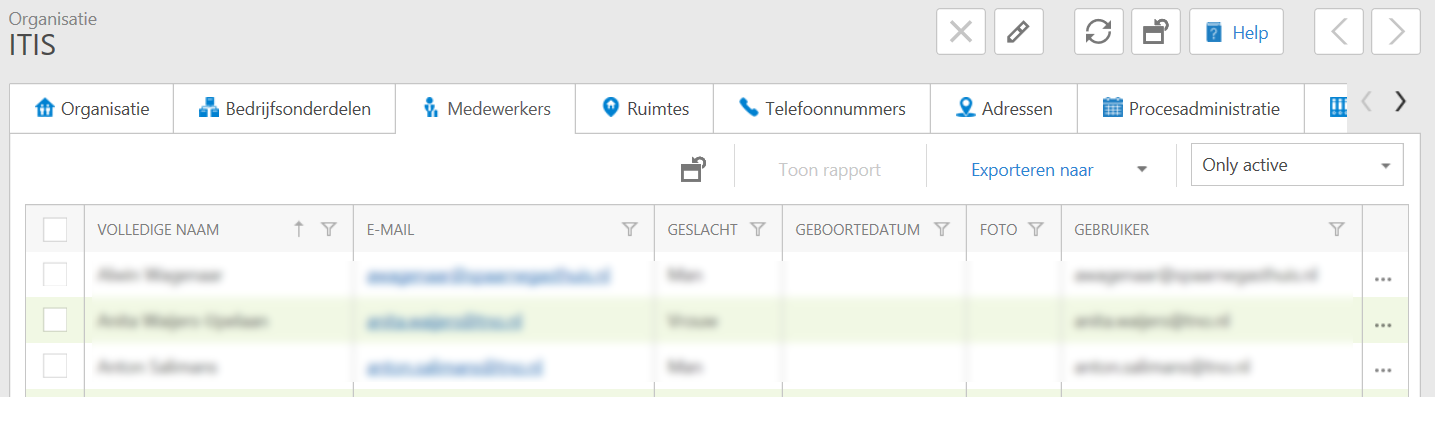
- Employees tab
You cannot add, change or remove employees in this tab. You can do this in the Enter employee module. You can, however, export an overview and indicate whether you want to show only the active or all employees.
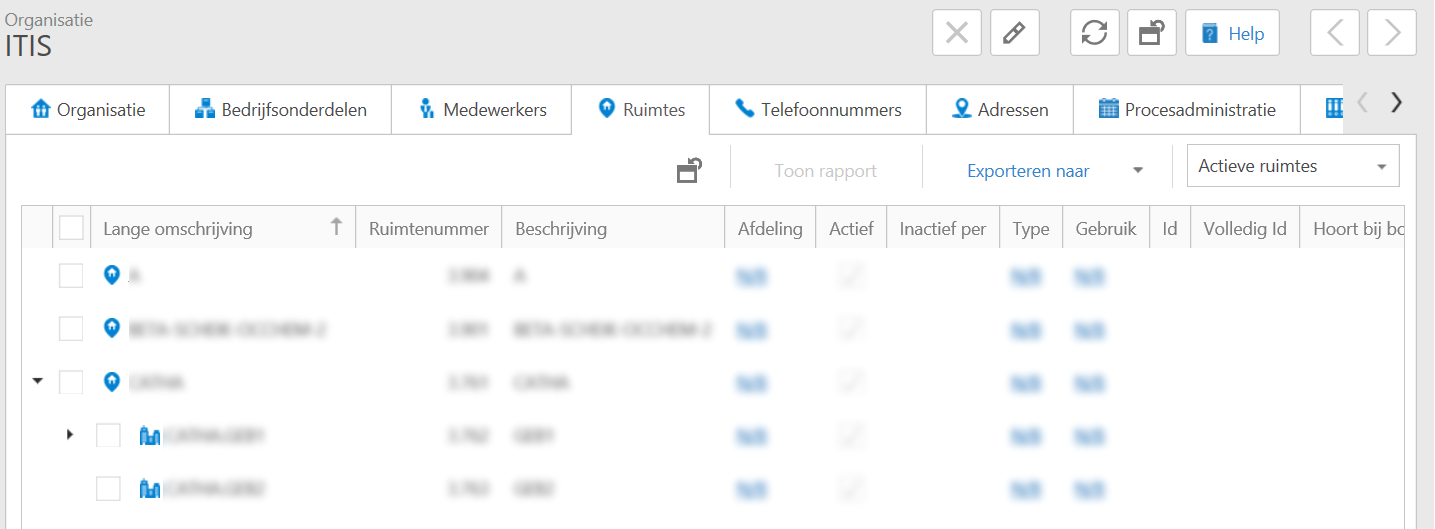
- Spaces tab
In this tab you can see the spaces that are linked to the organization. You cannot add, change or remove spaces in this tab; You can do this in the Enter spaces section. You can, however, export an overview and indicate whether you want to show only the active or all employees.
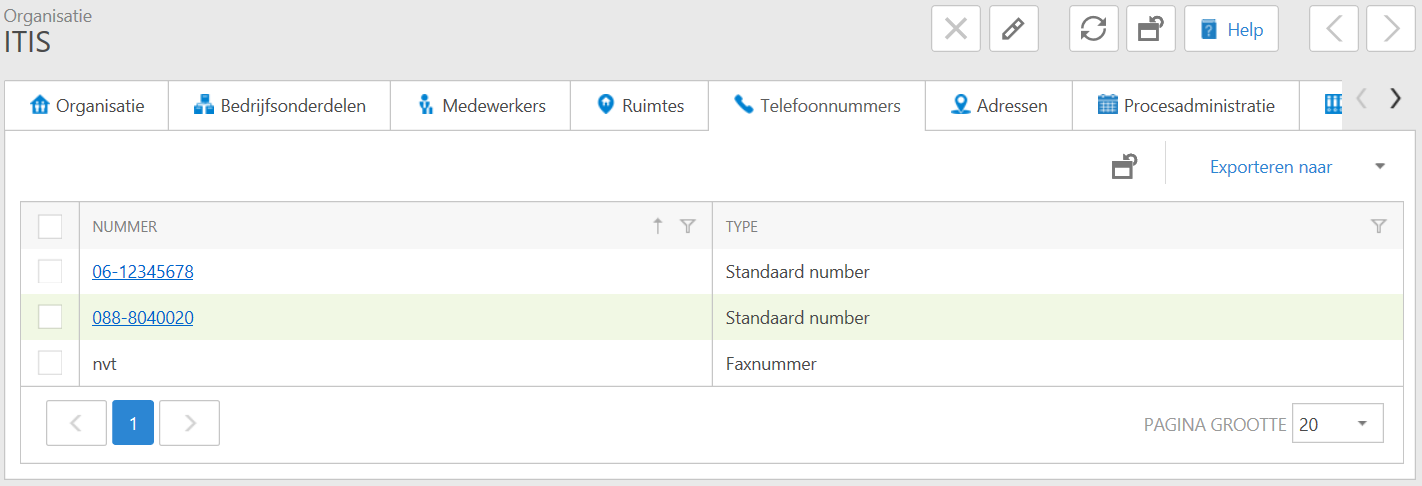
- Telephone numbers tab
In this tab you can see the telephone numbers that are linked to the organization. You cannot add, change or delete phone numbers in this tab, but you can export an overview.
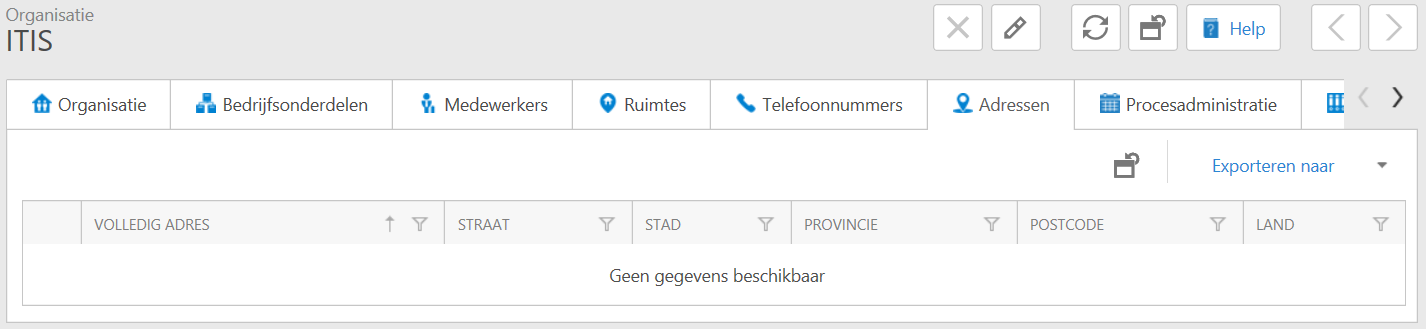
- Addresses tab
In this module you can see the addresses that are linked to your organization. You can add, change or delete addresses in this module, and you can export an overview.
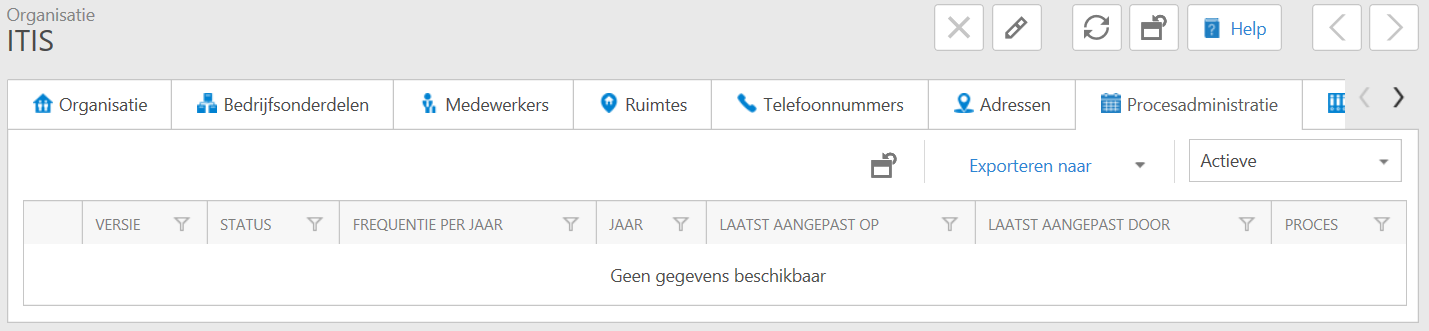
- Process administration tab
In this module you can see the recorded process administration (s) of the organization. You cannot add, change or delete process administration in this module, but you can export an overview.
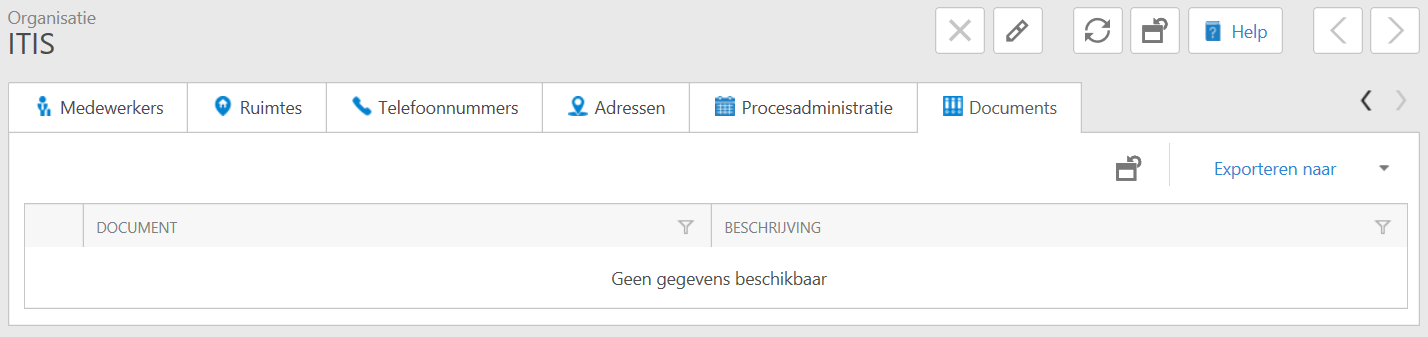
- Documents tab
If it is not visible in your screen, click on the arrow to the right to see this tab.
In this module you can see the recorded process administration (s) of the organization. You cannot add, change or delete process administration in this module, but you can export an overview.